AssetFlow scans your place, reuploads animations, audio, meshes, decals, Game Passes and Developer Products to any account or group, then rewrites the IDs inside Studio for you.
Presentation video
Daily reupload limits are listed per plan, so you can size a migration before you start it.
R6, R15 and Rthro rigs, with their metadata intact.
Sound effects, music and voice lines. Roblox’s monthly per-account audio cap still applies.
3D models and complex geometry, moved without fidelity loss.
Textures and decals with their colors untouched.
Recreated through Roblox Open Cloud with their settings preserved. Most reuploaders skip monetization items.
Reuploads per day.
No cloud upload step and no manual re-linking.
Read the full walkthroughThe app installs it for you, or you copy it by hand. It opens a local bridge between Studio and the desktop app.
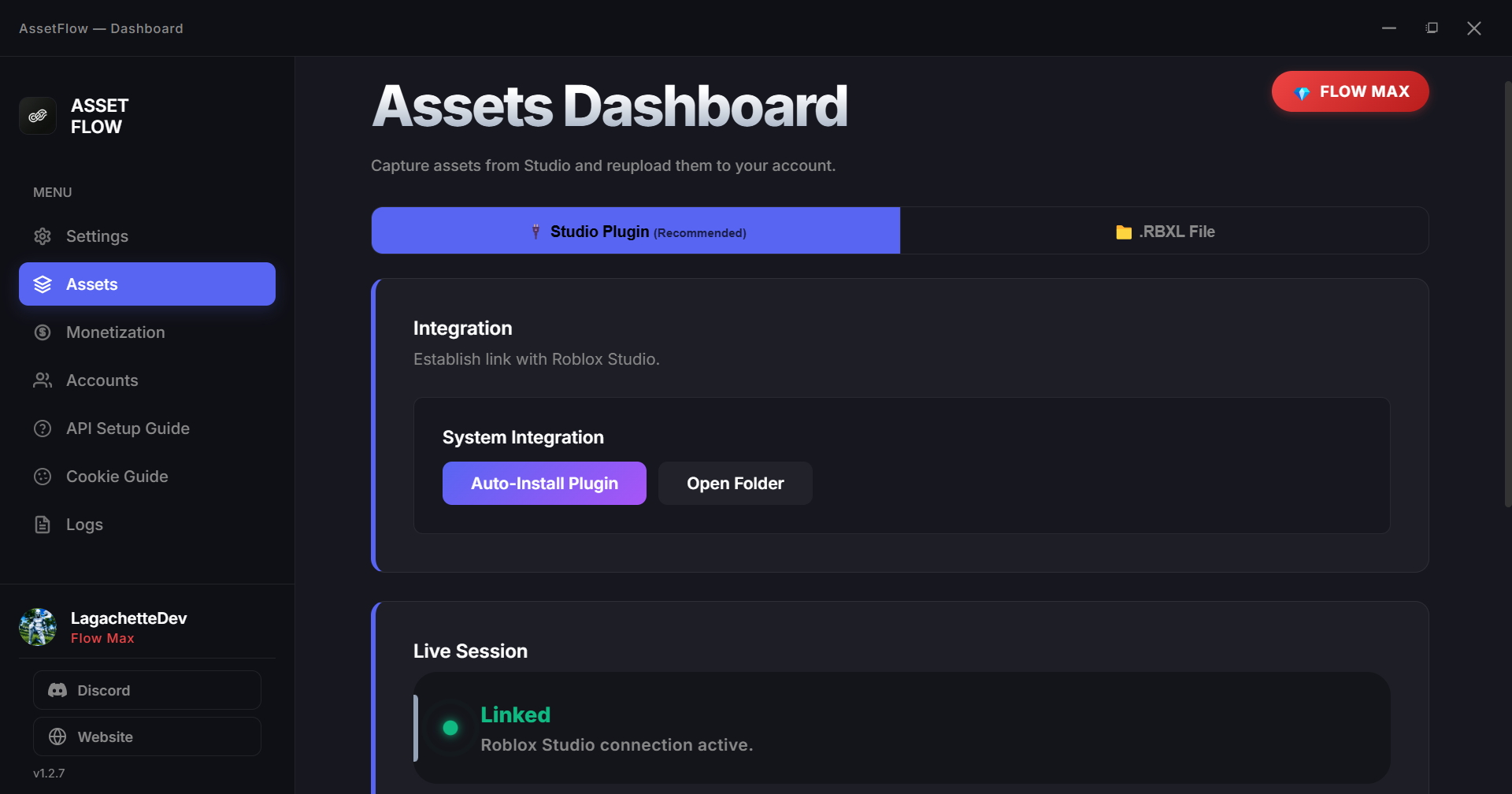
Sign in with Discord, add the Roblox account or group you want to upload to, and link Studio. The status reads “Linked” when the bridge is up.
Pick instances in Studio, scan Luau scripts for hard-coded IDs, or import an .rbxl file. Filter by type, account or upload status.
AssetFlow uploads everything, then the plugin swaps the old IDs for the new ones across the game. When a daily limit hits, it moves to your next account.
AssetFlow is a desktop app, not a website that holds your login. Here is what runs where.
Free
$2/month
$4/month
Free to download. Start reuploading in minutes.